Vehicle Wash & Maintenance
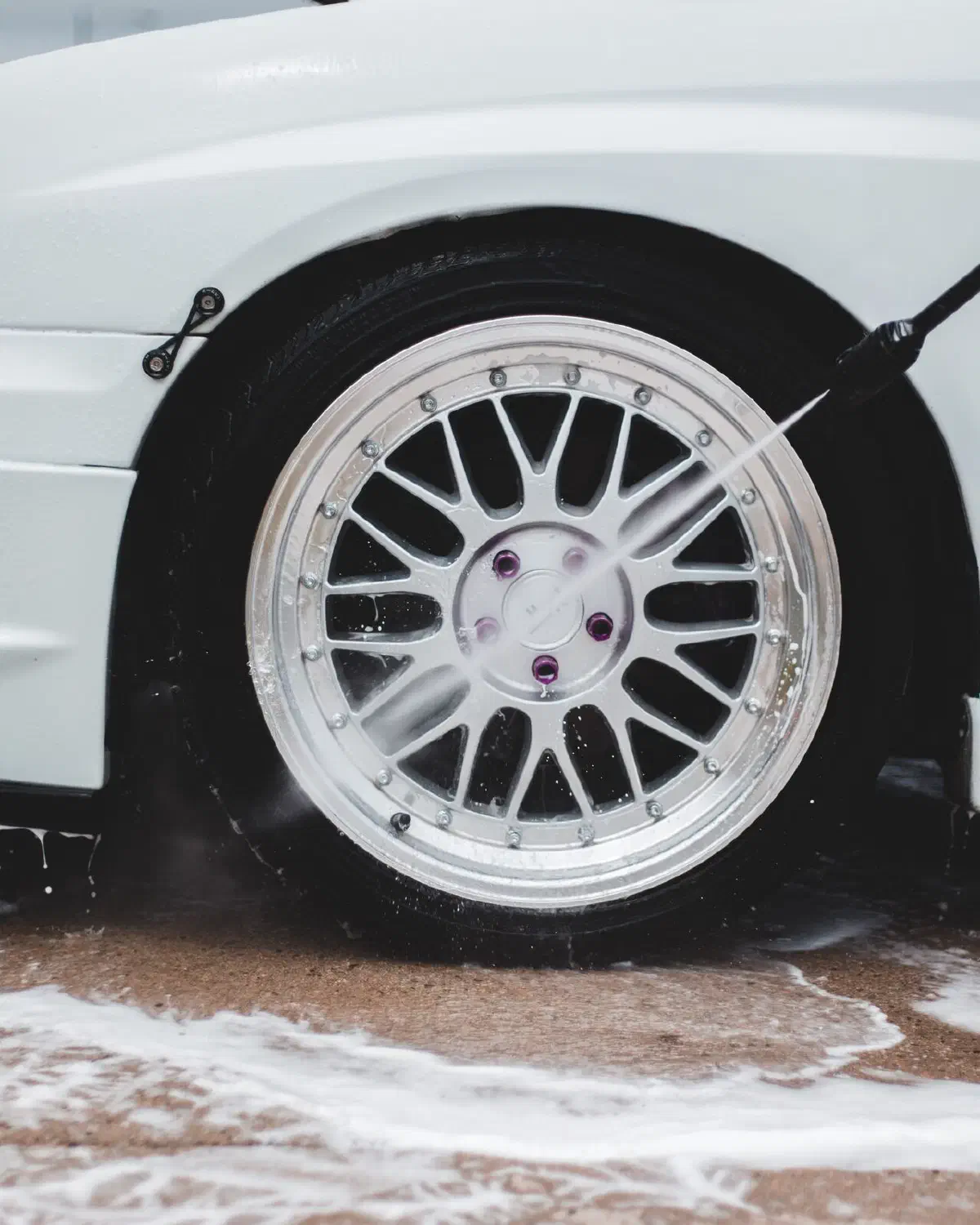
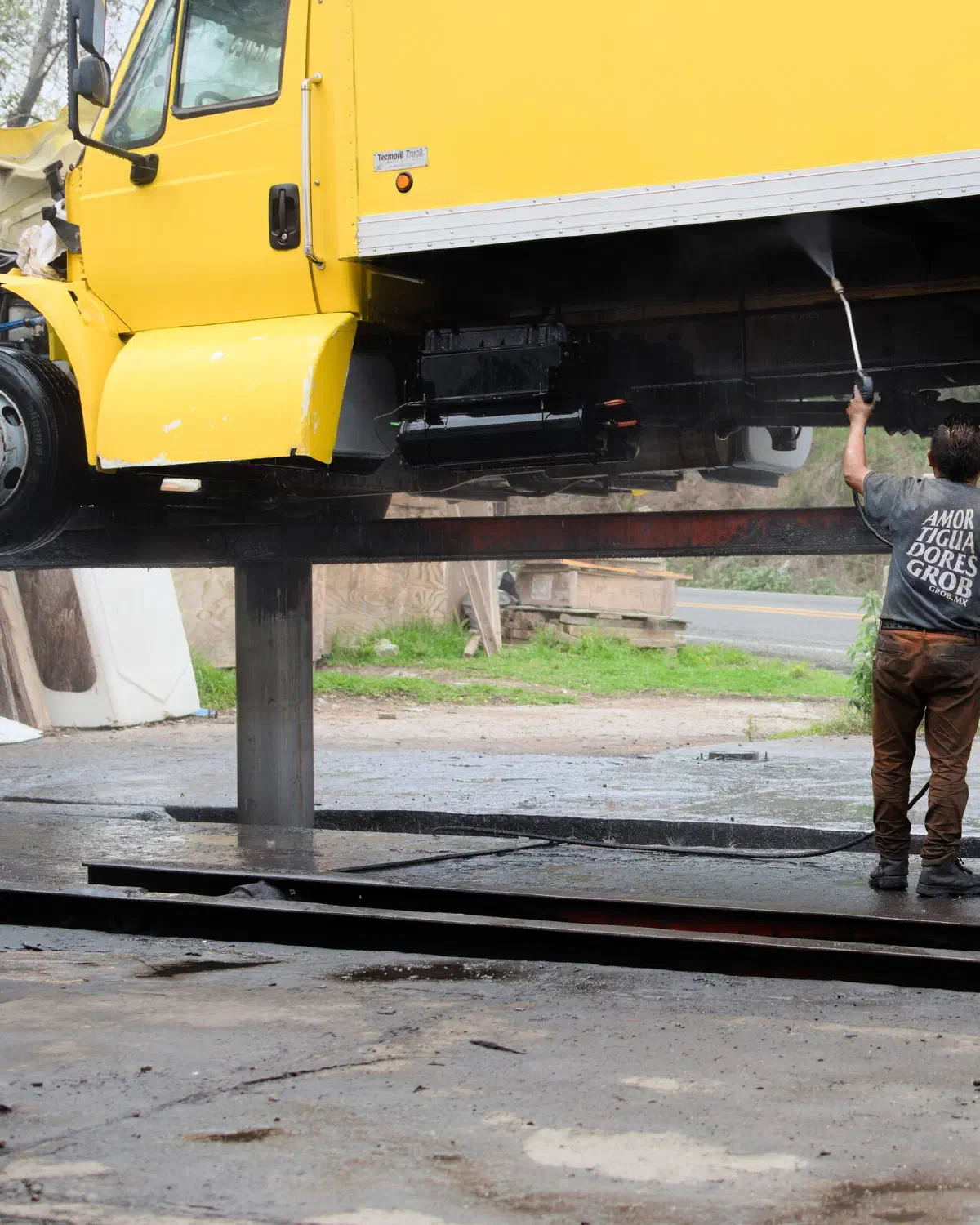
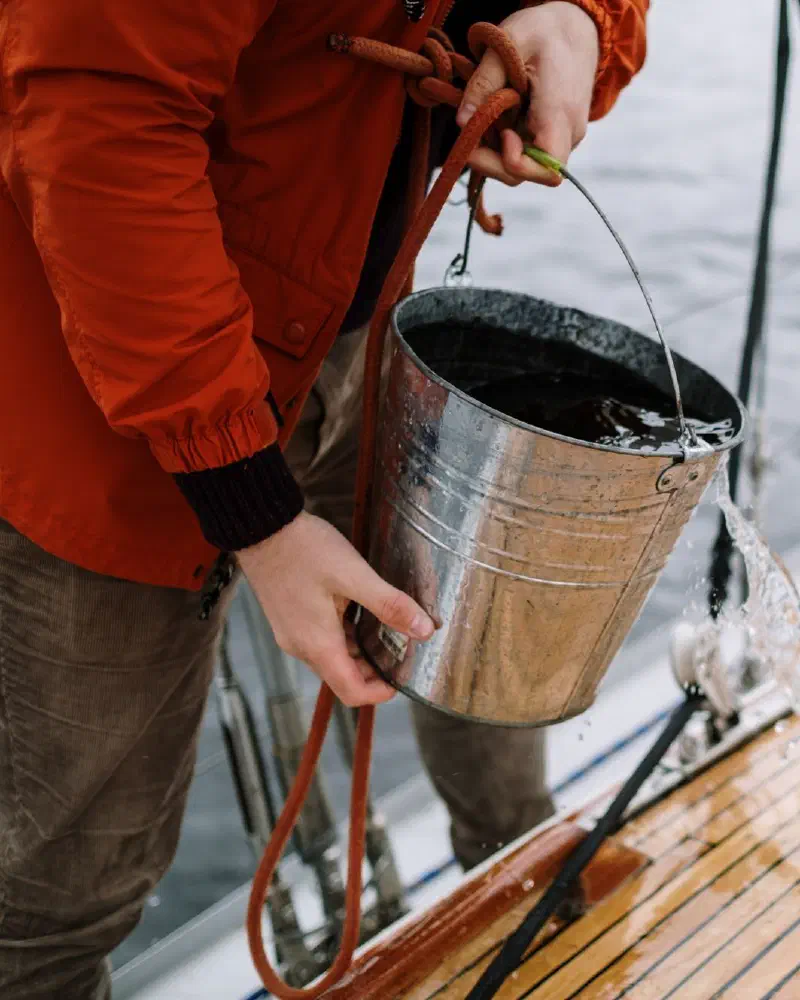
Get your car, truck, RV, boat, or trailer washed where it is parked. You don't have to drive anywhere or wait in line.
Mobile Wash USA connects you with verified local pros for car washes, house washing, pressure washing, and more. Post a job, compare offers, and pay in the app. Your money is held until the work is done.

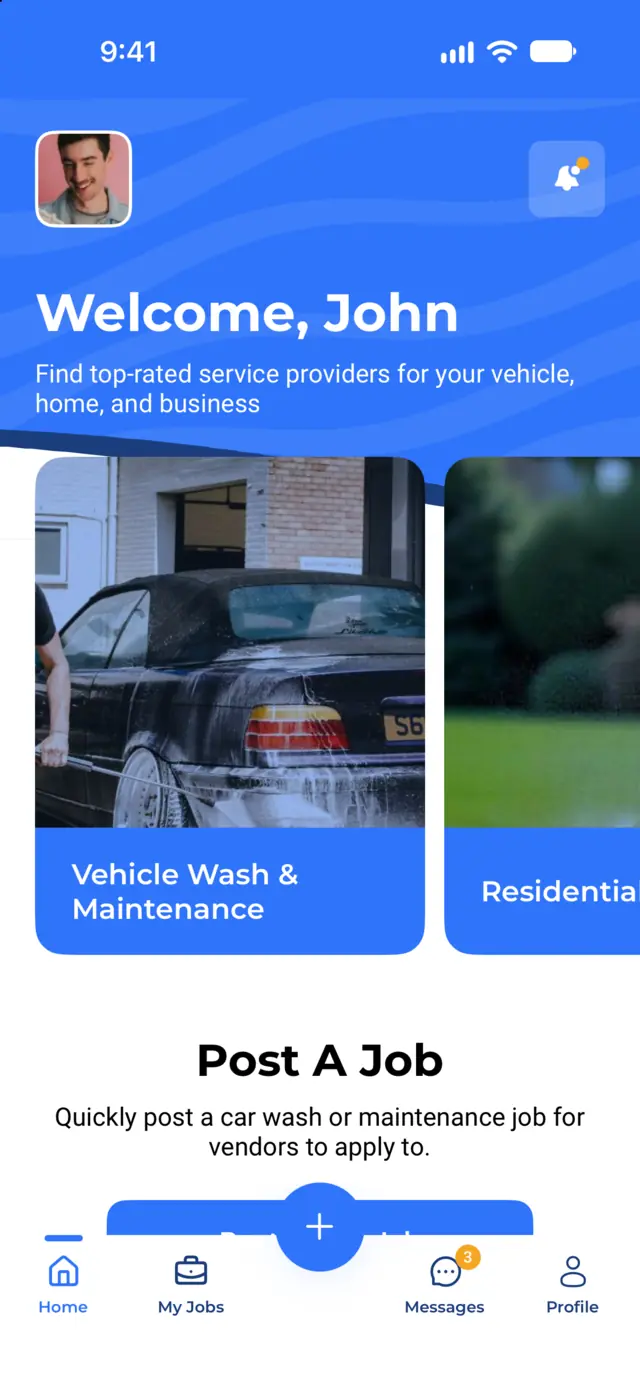
Book washing for your vehicles, your home, or your business. Every job works the same way.
Get your car, truck, RV, boat, or trailer washed where it is parked. You don't have to drive anywhere or wait in line.
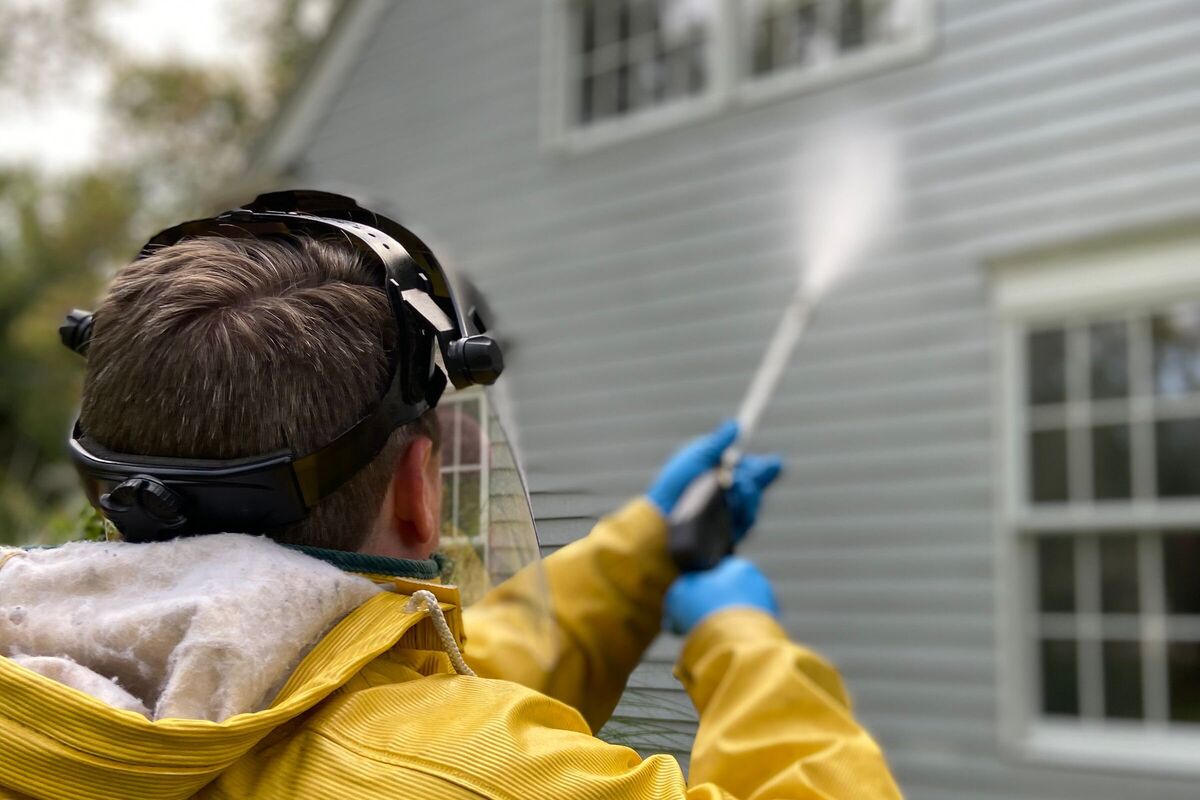
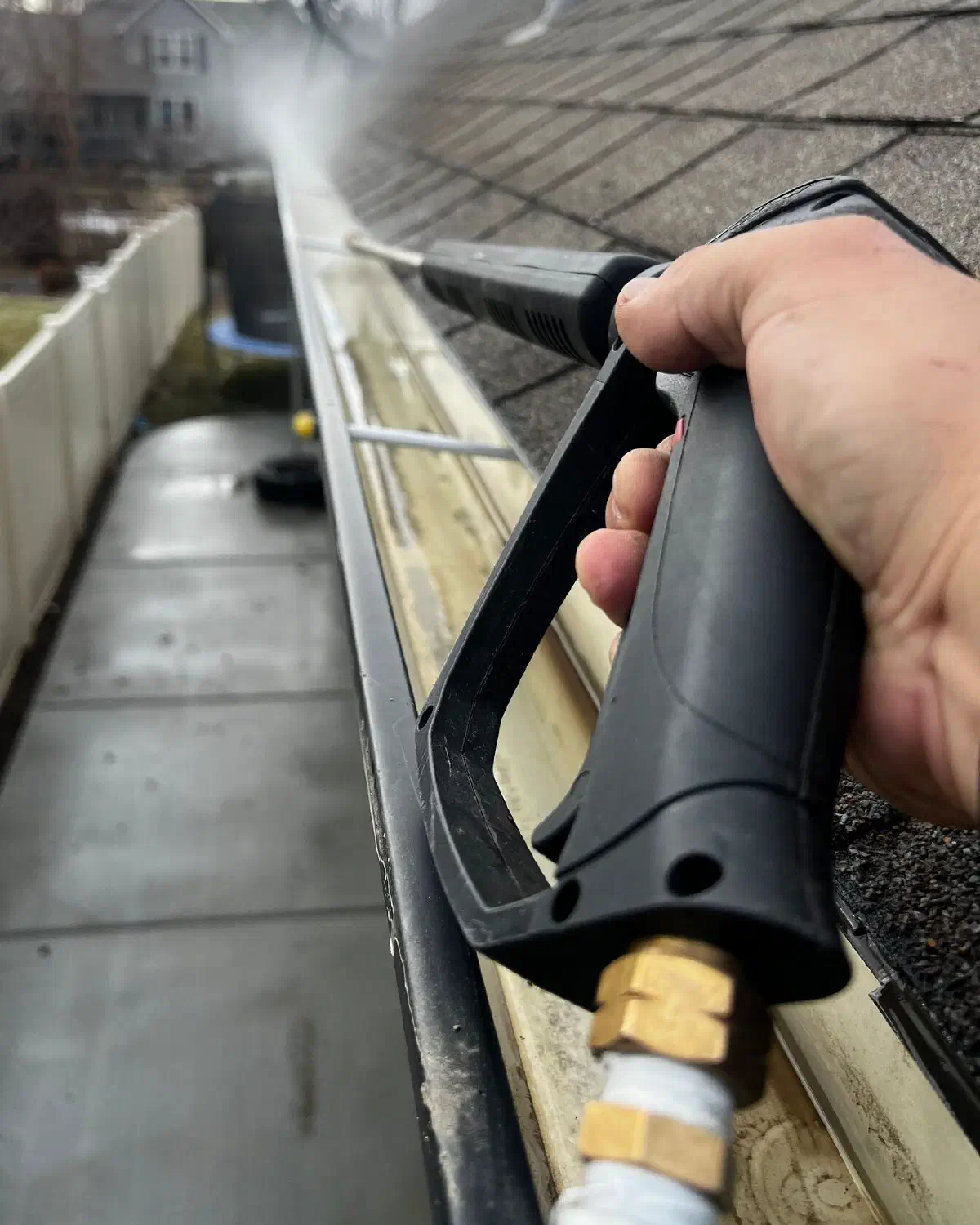
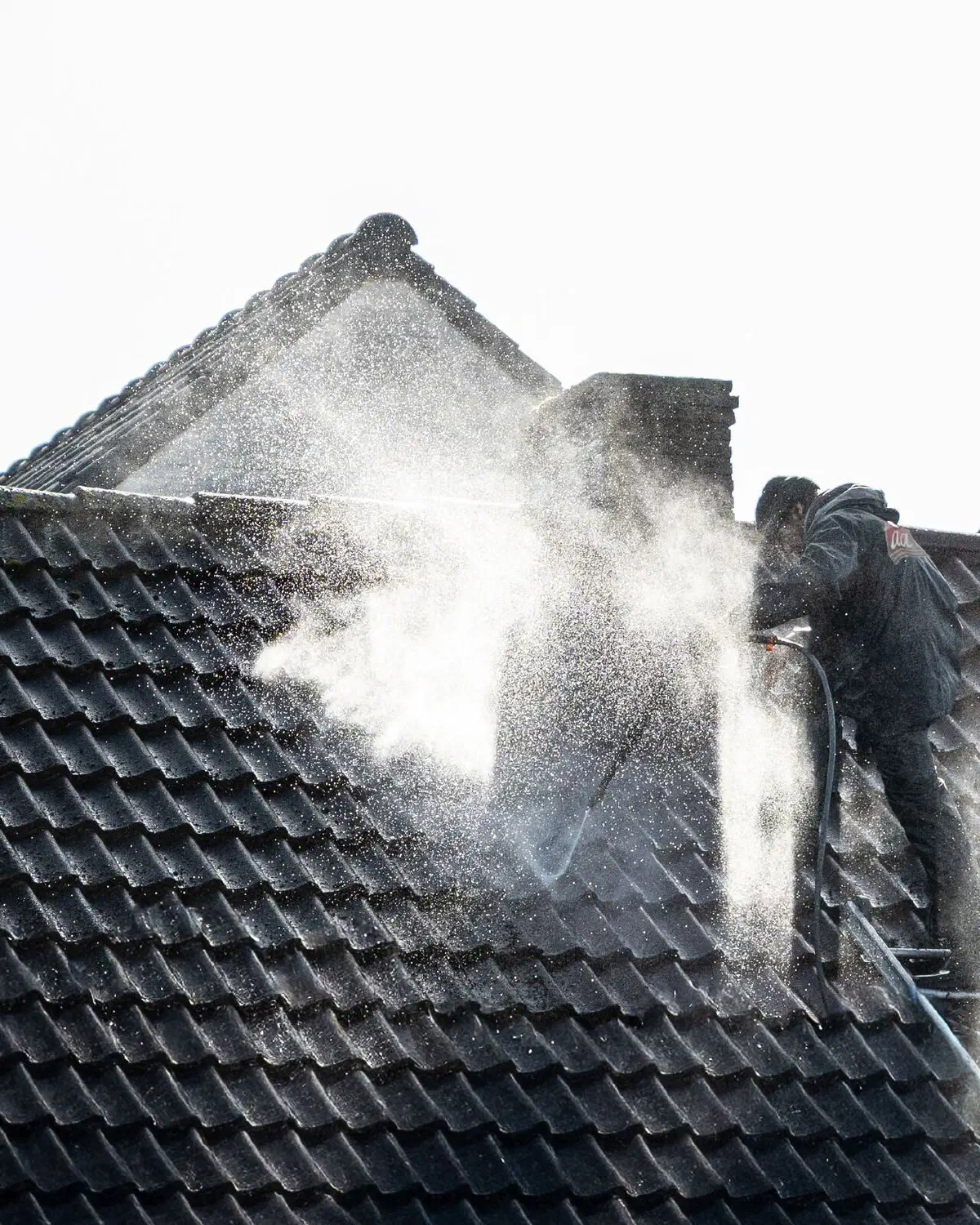
Clean the outside of your home. Pros wash siding, roofs, driveways, decks, windows, and gutters.
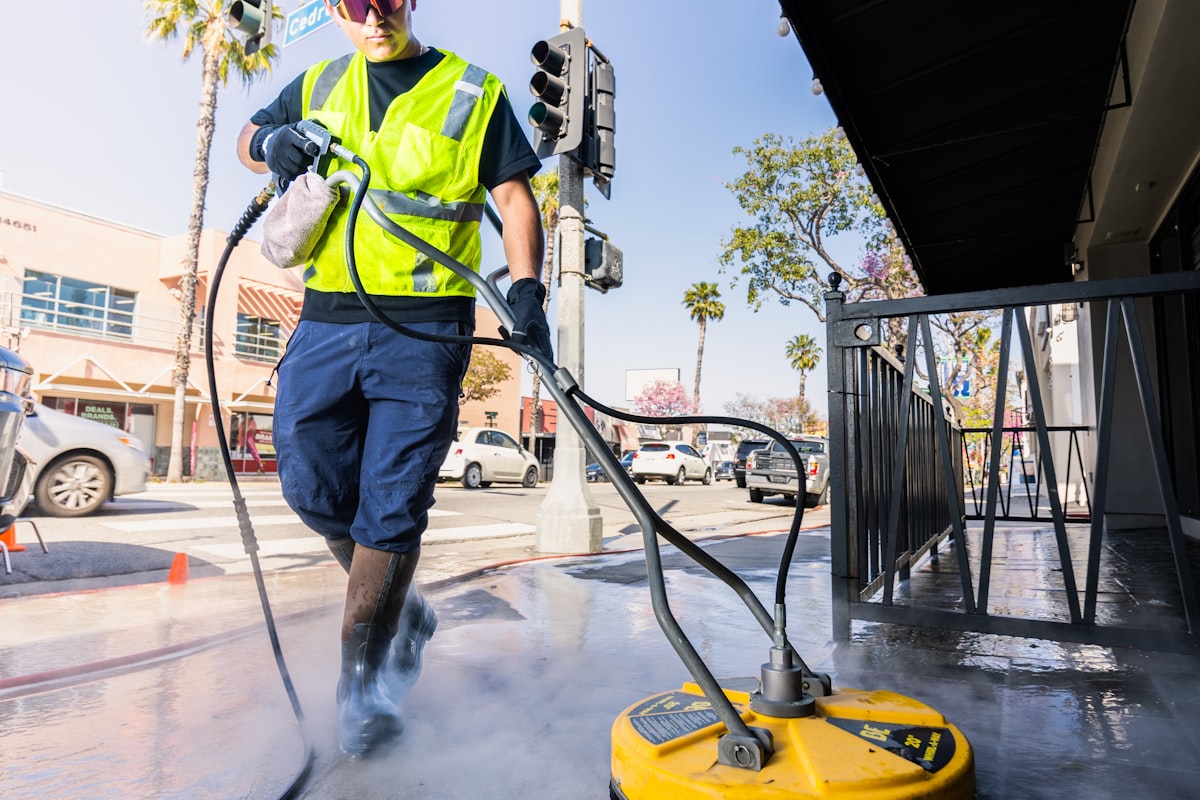
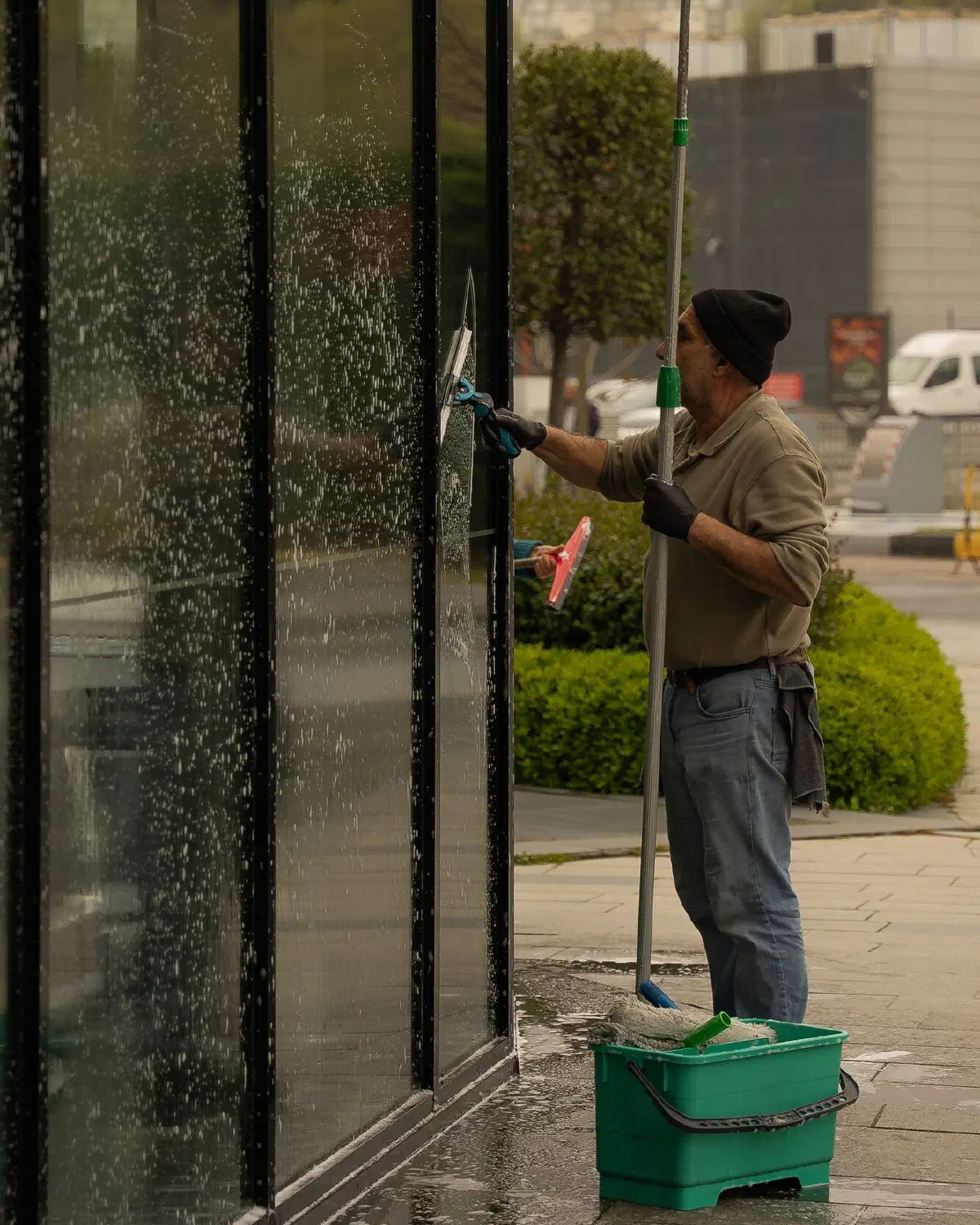
Keep your business looking clean. Post jobs for parking lots, company vehicles, and storefronts.
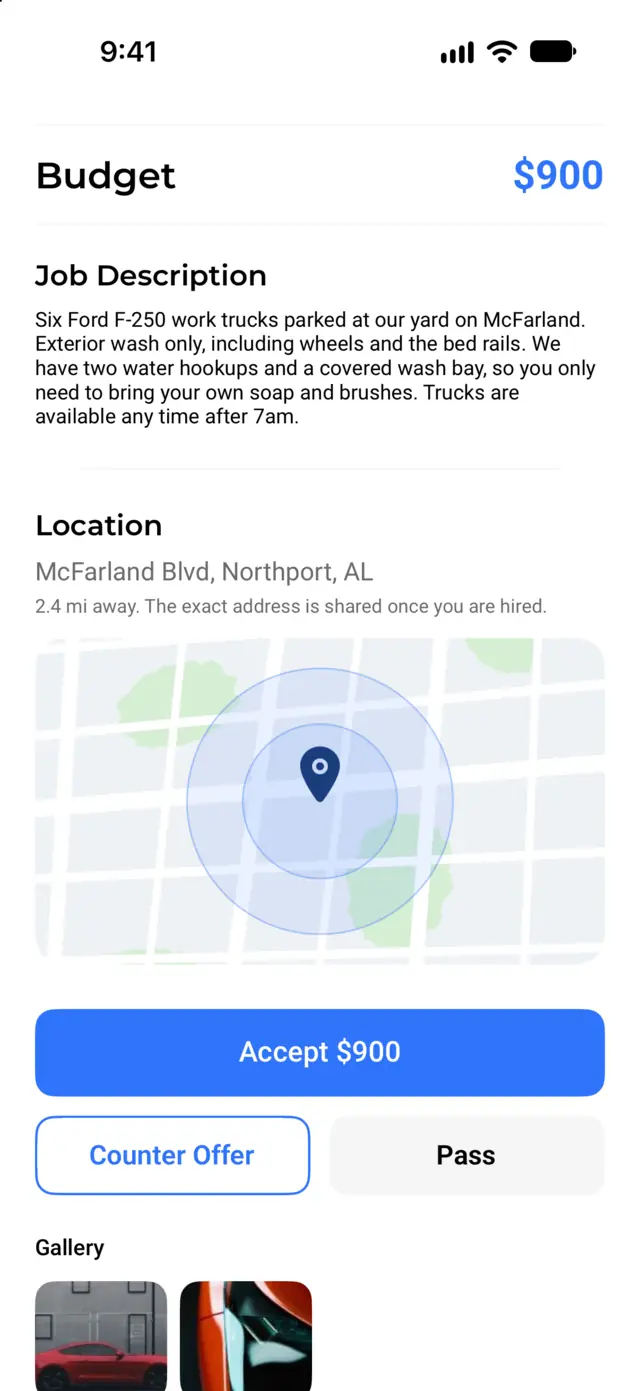
AI-assisted pricing
Not sure what a fair price is? While you post a job, tap Suggest a price with AI. You get a suggested budget and a typical price range for your job. It is based on the service, your description, and your city. You can keep it or change it.
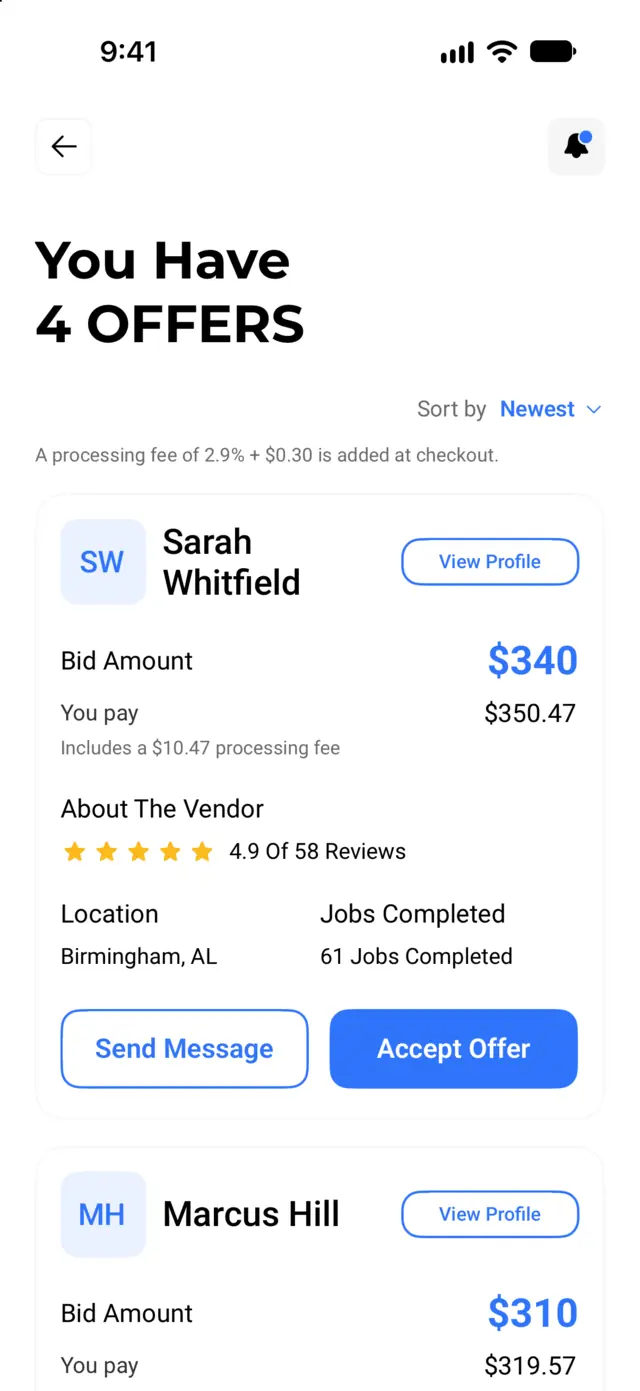
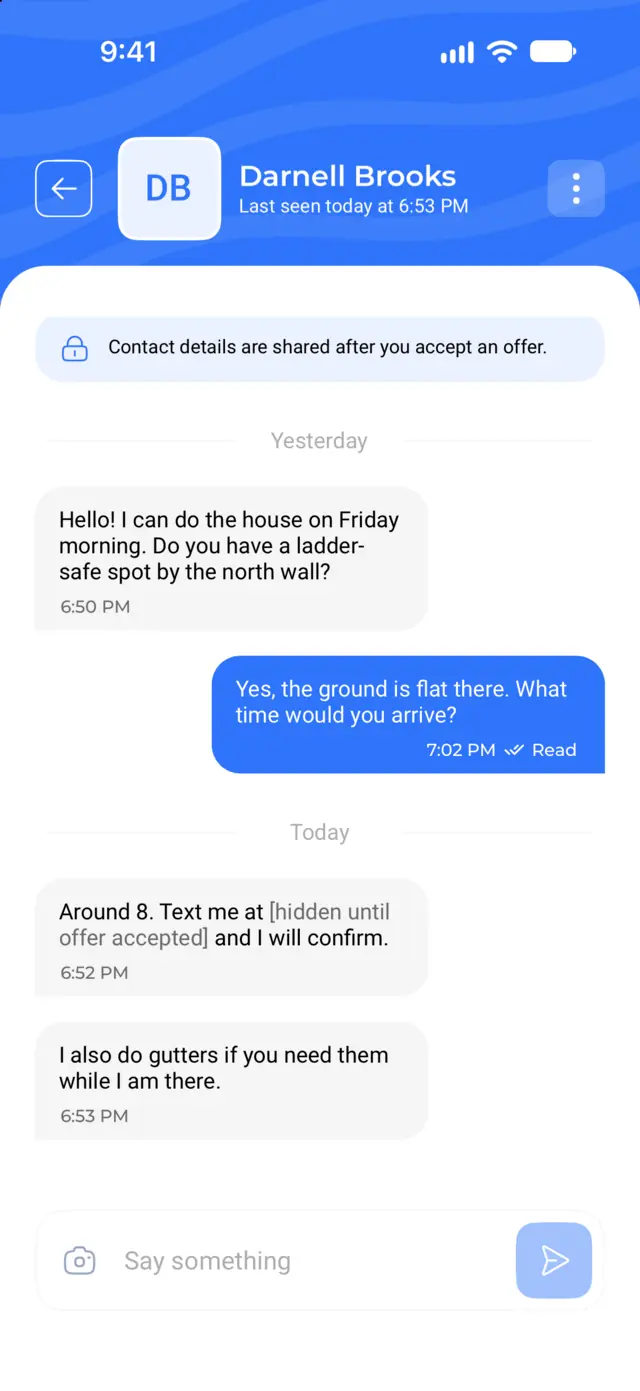
Then vendors bid. Each vendor can accept your budget or send a counter offer with their own price. You compare offers by price and rating, read reviews, and chat before you choose.
How AI pricing and bidding workPost a job, pick an offer, and pay in the app. The vendor gets paid when the job is done.
Example job
Post a job
Pick a service, add your address, a date and time window, and up to 6 photos. Not sure what to pay? Tap "Suggest a price with AI" for a budget.
Get offers
Local vendors send offers. Sort them by price or rating, check each vendor's profile and reviews, and message them in the app.
Accept and pay
Accept the offer you like and pay in the app. We hold your payment until the work is done.
Confirm the work
When the job is finished, give the vendor your 6-digit completion code. That releases payment. Then leave a review.
Sign up and get approved
Create a vendor account and upload your business license, insurance, and a government ID. Then set your services and how far you'll travel.
Set up payouts
Connect your bank account through Stripe inside the app so you can get paid.
Find jobs and bid
Browse open jobs near you, sorted by distance. Accept the customer's budget, send a counter offer, or pass.
Do the work and get paid
Chat with the customer, finish the job, and enter their completion code. Your payout is sent to your Stripe account.
Customers pay through the app and keep control until the job is done. Vendors know the money is there before they start.
Every vendor uploads a business license, proof of insurance, and a government ID. Our team reviews them before the vendor can bid.
You pay when you accept an offer. We hold the money until the vendor finishes and you share your 6-digit completion code.
Phone numbers, emails, and links are hidden in chat until you book. Your payment stays protected in the app.
See each vendor's star rating and reviews from past customers. After your job, you can leave a review too.
Get push notifications for new offers, messages, bookings, and finished jobs.
Sign in with Apple, Google, Facebook, or email. Turn on two-step sign-in for an extra code by email.
Cars, trucks, boats, homes, and storefronts. Post any of these jobs and get offers from local pros.
From the people posting jobs and the pros doing the work.
“Booked a wash for my truck on a Sunday and had three quotes within the hour. The vendor showed up on time, did a great job, and I paid right in the app. No cash, no back and forth.”
“We use Mobile Wash USA for monthly driveway and house washing. Being able to compare prices instead of chasing people down for a quote has saved us real money.”
“The job alerts actually match what I do and where I work. I set my own hours and payments hit my account fast. First app that feels built for the people doing the work.”
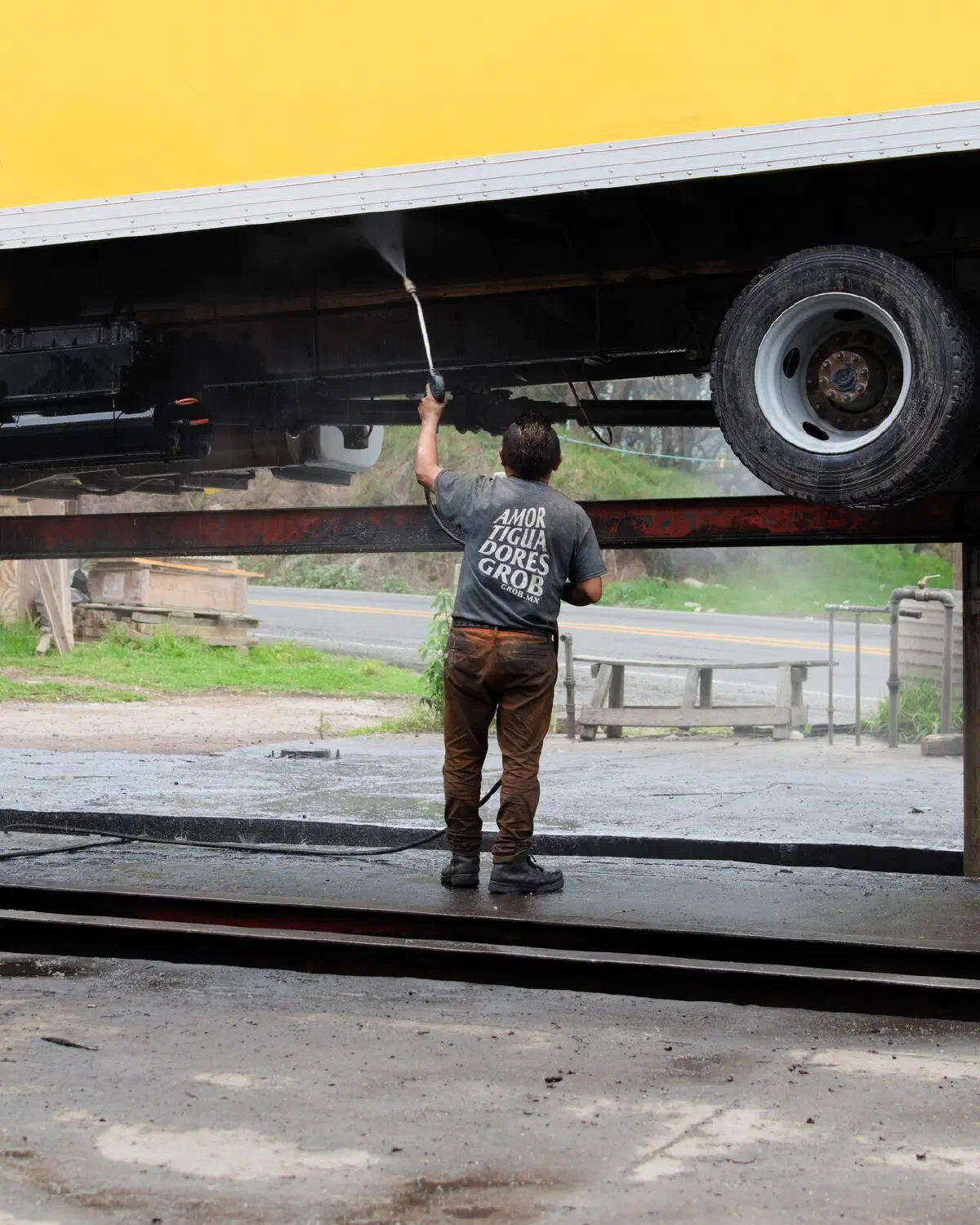
Find jobs near you without paying for leads. Browse open jobs by distance, send a bid, and get paid through Stripe when the job is done.
Download the free app and post your first job in a few minutes.