No lead fees
Signing up and bidding are free. You only pay a fee when you finish a paid job.
Mobile Wash USA brings you customers who already want a car, house, or property washed. Browse open jobs near you, send a bid, and get paid through Stripe when the work is done. It is free to sign up, and you never pay for leads.

Signing up and bidding are free. You only pay a fee when you finish a paid job.
Customers post jobs with photos, the general area, and a budget. You see the details before you bid.
The customer pays when they hire you. The money is held until you finish, so you are not chasing payment.
Other vendors never see what you bid. Good reviews help you win more jobs.
Upload your documents in the app as a PDF or a photo. Our team reviews them, usually within one business day. Once you are approved and your payouts are set up, you can start bidding.
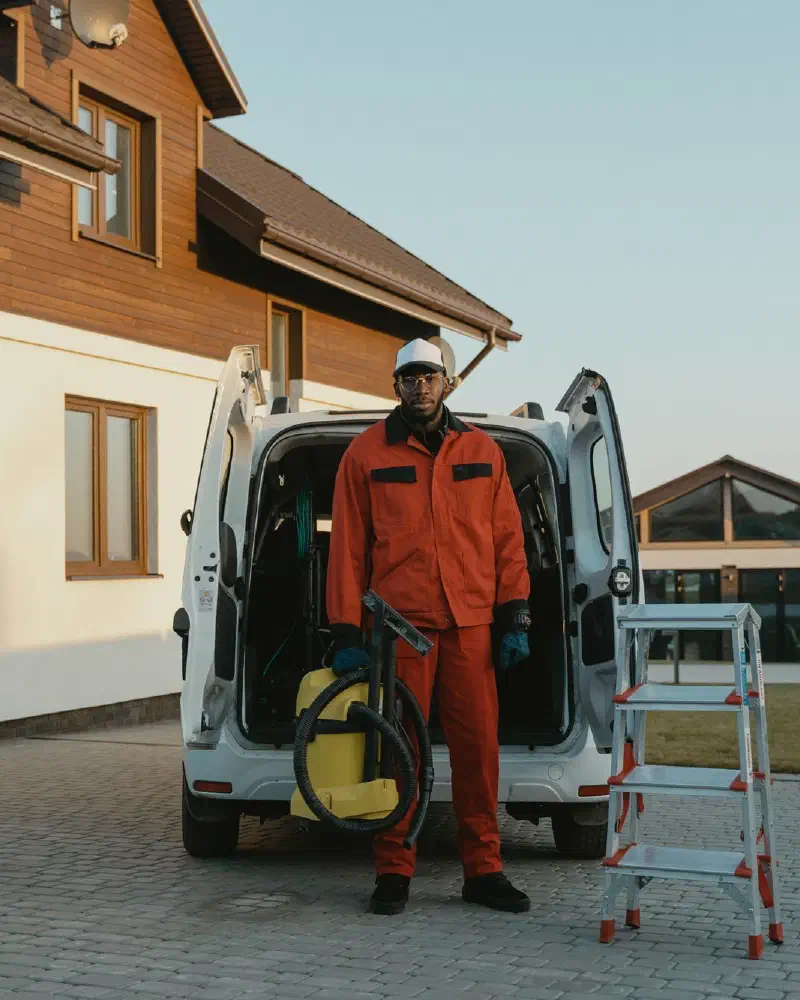
Sign up and get approved
Create a vendor account and upload your business license, insurance, and a government ID. Then set your services and how far you'll travel.
Set up payouts
Connect your bank account through Stripe inside the app so you can get paid.
Find jobs and bid
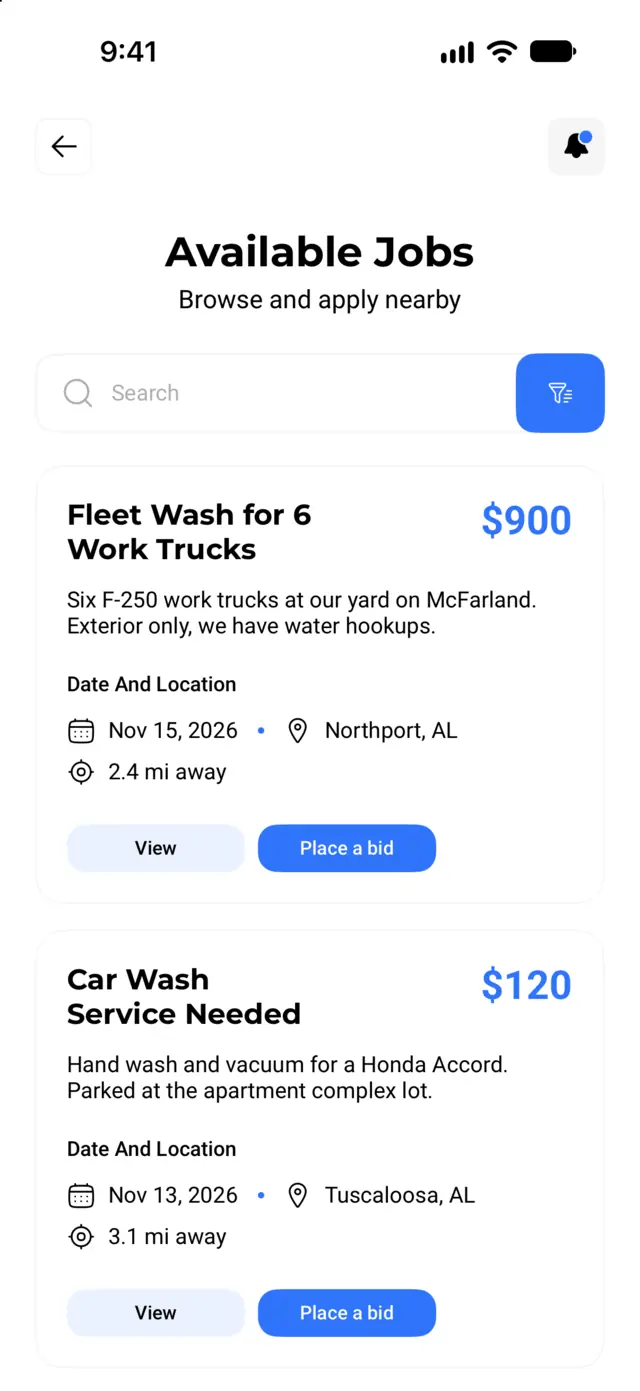
Browse open jobs near you, sorted by distance. Accept the customer's budget, send a counter offer, or pass.
Do the work and get paid
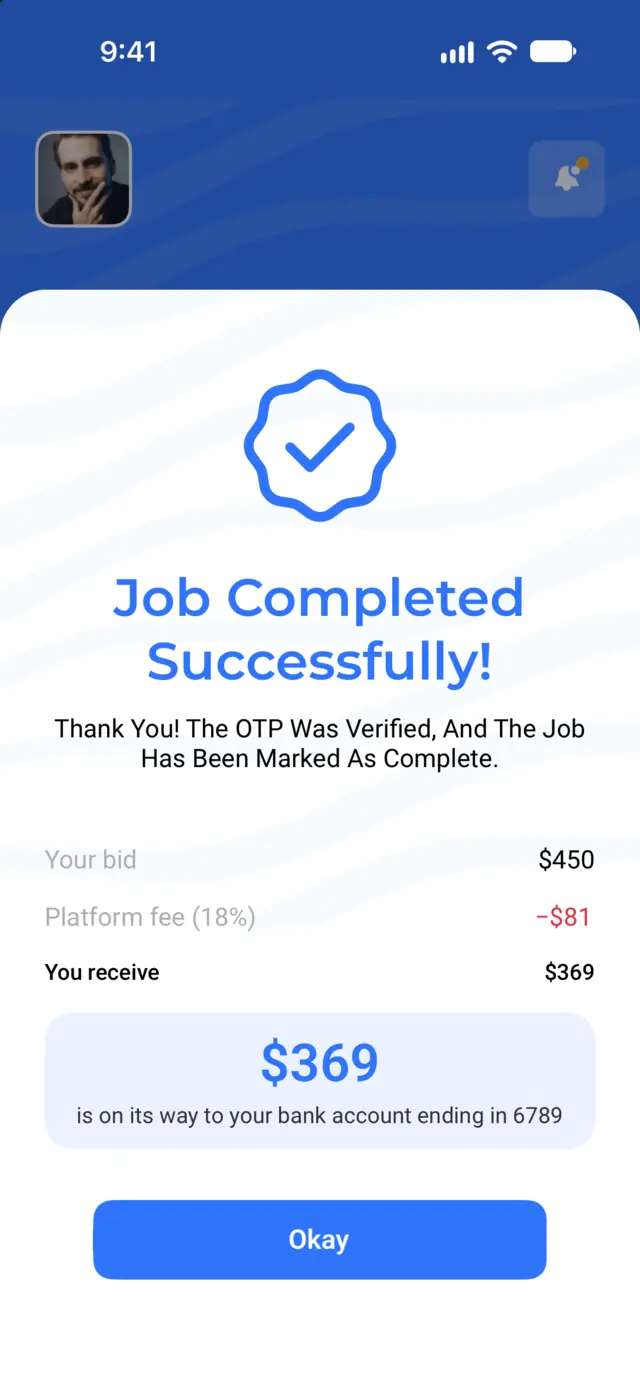
Chat with the customer, finish the job, and enter their completion code. Your payout is sent to your Stripe account.
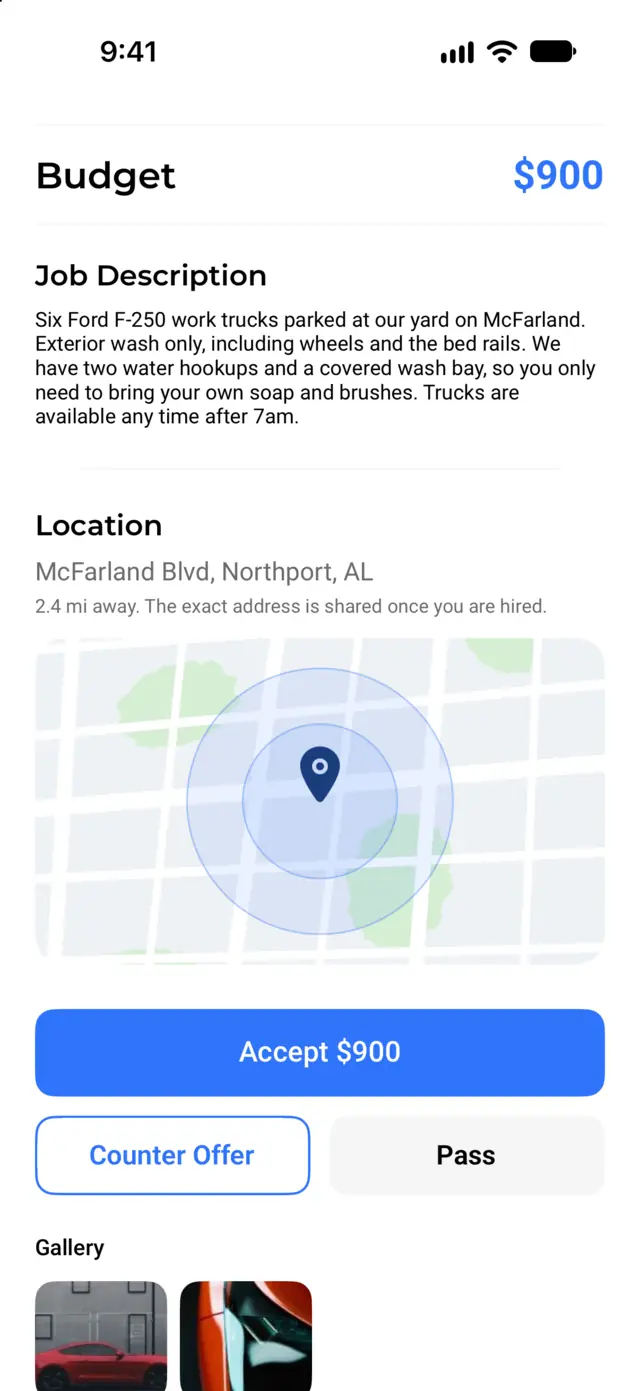
After you sign up, set the services you offer and how far you will travel in Edit Account. Available Jobs lists open jobs near you, closest first. You can also sort by newest, budget, or most popular. Filter by job type, budget, and location, or pick a spot on the map. You can search up to 100 miles away.
Open a job to see the photos, description, budget, date, time window, and general area. You get the exact address once you are hired. Then choose:
Bid the customer's budget.
Bid your own price.
Hide the job. The customer is not told.
Before you send a bid, the app shows your bid, the platform fee, and what you will receive. You can edit or withdraw your bid until the customer picks an offer.
When a customer accepts your bid, they pay right away and we hold the money. You get a push notification that the job is booked, and you can chat with the customer in the app.
When you finish, the customer gives you their 6-digit completion code. Enter it in the app. Your payout is sent to your Stripe account right away, and Stripe deposits it to your bank on your payout schedule. You can see every payout in the app.
It is free to sign up and free to bid. Mobile Wash USA keeps a platform fee from each completed job, currently 18% of your bid. The customer pays the card processing fee, so it does not come out of your pay.
Download the app and choose "Vendor" when you sign up. Questions first? See the vendor FAQ or contact us.